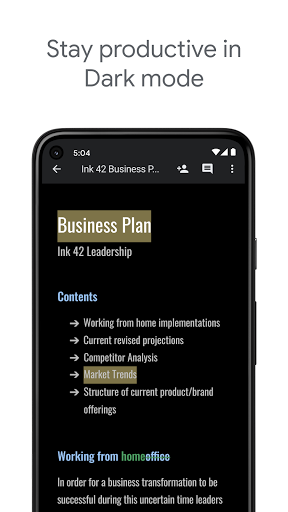
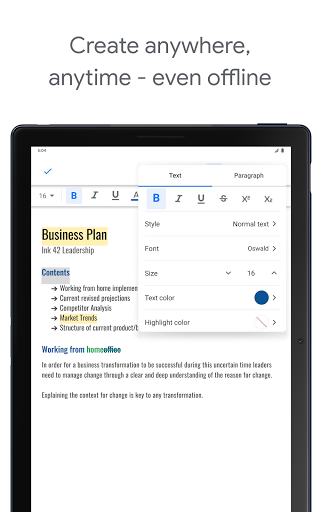
New changes have been made by Google. Today, a whole bunch of new ToC customization tools is coming to Google Docs. A new default ToC style for users to choose from will soon be available. And what’s more, users could have more controls on custom controls for tab leaders and page numbers, and adjust granular control over how far each level is indented. Google also improves its approach to ensure users can customize their tables in general. Therefore they are adding sidebar options picking up controls for the in-document alignment of the table itself, as well as display options for the cells within.
Developed by Google Inc. within its Google Drive service, Google Docs is a word processor with which you can write, edit and create impactful, meaningful and persuasive documents. This app can be used as the web application for Google Chrome, Apple Safari web browsers and also as a mobile app available on both iOS and Android operating systems.
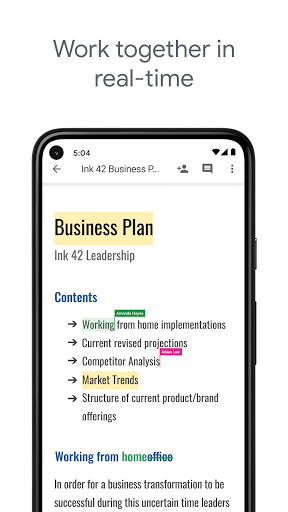
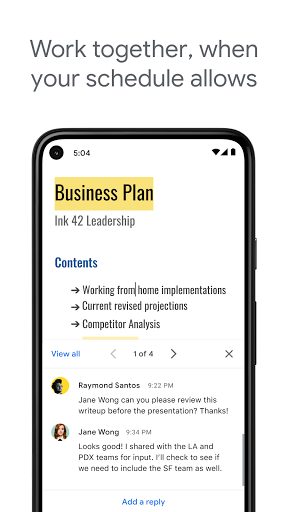
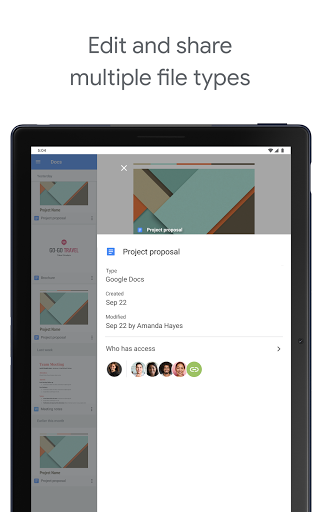
Users can write and edit files online when collaborating with others in real-time with Google Docs. Meanwhile, it tracks the revision history of users by presenting editing changes. Serving as a collaborative tool, Google Docs can be opened, edited and shared by many users simultaneously. And users can see the one-by-one changes when someone is editing. Plus, the Google's servers will save the revision changes automatically.
With each user distinguished by color, it allows users to see the additions added to the document.
Launched in September 2016, the function of "explore" enables users to search results based on the information in the document.
Similar to the "commenting access", the "Suggested edits" allows users to accept or reject the suggestions for edit come up with by participants.
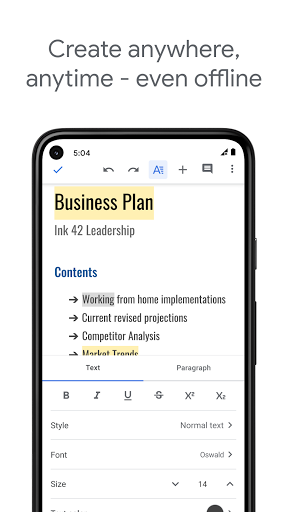
Users need to use the Google Chrome web browser if they want to view and edit documents offline.
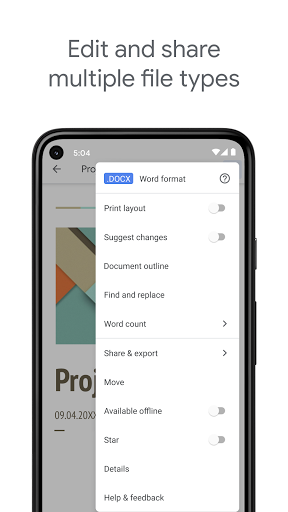
For Google Docs, multiple formats like .doc, .docx, .dot, .html, .rtf and more else can be viewed and converted.
Google Docs also has its own limits. It allows users edit up to 1.02 million characters regardless of the font size. Meanwhile, Files which are no more than 50 MB can be converted to .gdoc Docs format.
Designed visually elegant, Google Docs is a free online office app which is accessible for users from web browsers and portable devices. Moreover, users can easily track the changes made by collaborators.
Google Docs performs less powerful than some desktop-based suites since it requires installation of a browser plug-in for Chrome when editing offline.
Google Docs has the best balance of power and speed when it comes to online office apps. It also runs faster to load and save in the test though it lacks some features offered by Microsoft Office 365.
If you’re an Android user and don’t download the app from the official Google Play Store, you may find the installation process more complicated than usual.
But we are delighted to inform you that you don’t need to worry. To ensure you could install this app smoothly, we have written and uploaded a detailed tutorial. It would guide you on installing an app after downloading it from our website step by step, with the help of pictures.
You may find this helpful article on the downloading site, or visit How to install APK/XAPK files on Android.
If you need further help, please do not hesitate to contact us via email [email protected].
We fully understand your concern about safety. We agree that one person wouldn’t be too careful in the cyber world. Meanwhile, we are happy to tell you that one of our priorities is to provide our users with safe app files that they can use without any worries.
We guarantee that all the app files we provided originate from official and reliable sources. We promise that they do not contain any malware that will harm your hardware or the safety of your privacy.
We are glad to let you know that the vast majority of apps on our website are available for free download. Only a small selection of apps require payment, and their prices are set solely by the respective developers—we simply provide an official and secure download platform.
Rest assured, whether an app is free or paid, every download link on our site is verified and completely safe. You can download with confidence, and no account registration is needed—just click the download button and you're all set!
Recently we received a lot of emails from our users, which said they couldn't log in for different reasons, such as "forgot the user name or password" or "had a new phone." We are willing to help you out. Please read the notes below to see what we can do.
To answer this question, please first let us know which account you’re referring to.
If you're referring to your account of some app, like your Facebook account or your Youtube account. Unfortunately, we would not be able to help in this case. We would suggest you turn to the customer service of this application.
If you’re referring to your Appurse account, we should apologize for your confusion since there is no Appurse account. We never require registration for our service, and you will not find any procedure related to creating an account or registering on our website.
This question is essentially quite similar to the prior one. It’s a pity that we are unable to help you to cancel the subscription to a third-party application directly, while we would suggest you to contact its customer service for further information.
Sorry that we are unable to help you to get a refund from a third-party application directly. If you wish to get a refund from a third-party app, we would suggest you to contact its customer service. We would be happy to provide you the way to contact them.
If you want a refund from us, we should apologize for your confusion. Our service is 100% free, and any payment information is not required.
If you run into any site that asks you to provide your payment information, be careful. Remember never reveal your payment information to any unauthorized third parties, no matter how attempting their offer may seem.
Sorry that we cannot answer this question directly, for this only aims to answer some general questions. You may find how to use a certain app by checking our review page.